Part 2 · Offloading
Previewing clips
PRO See a still of every clip before you copy, and skim through each one, without changing anything on the card.
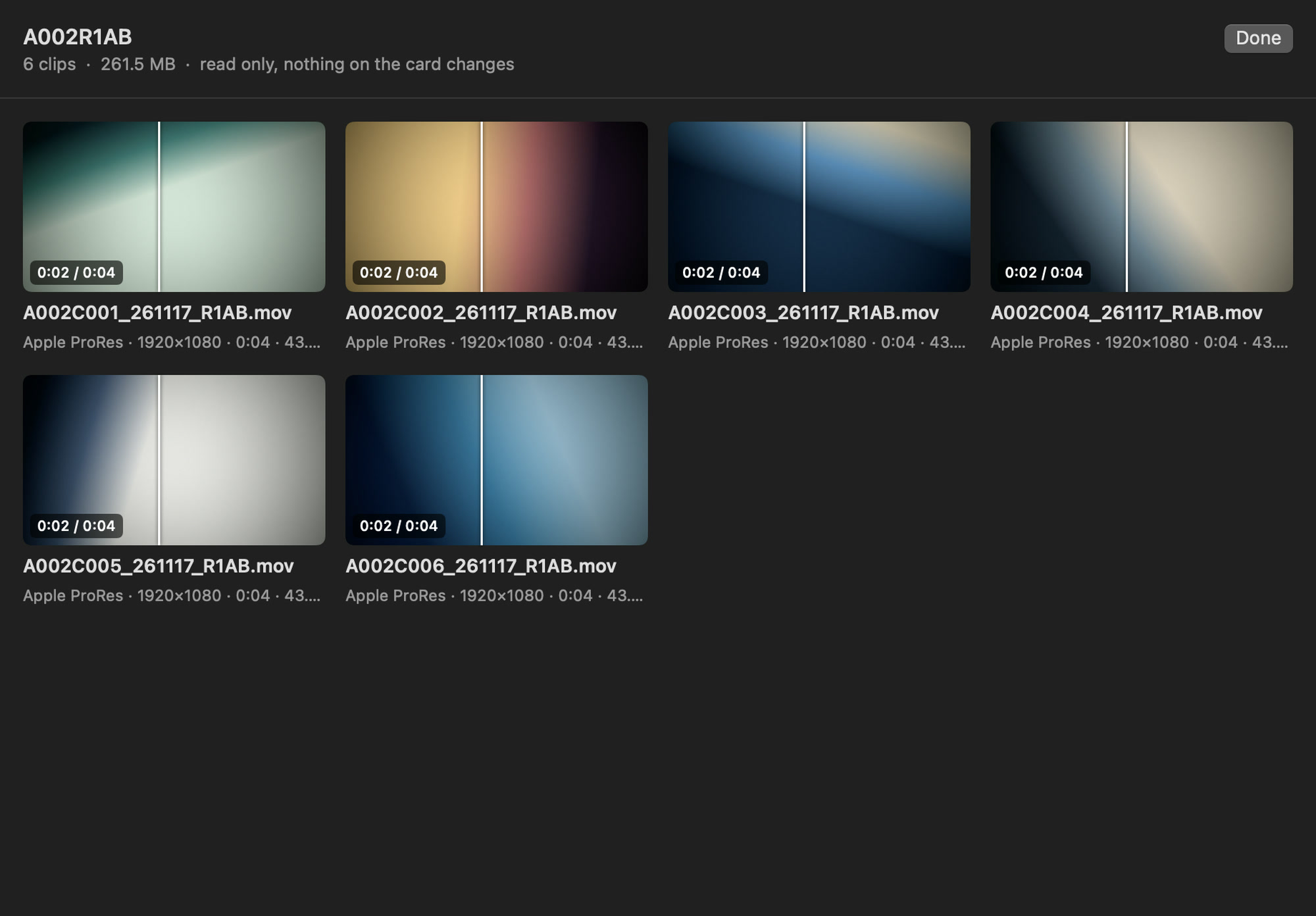
Opening the clip preview
Choose Preview Clips… in the card's ⋯ menu. A window opens with a still of every clip on the card, with its name, codec, resolution and duration.
Skimming
Move the pointer across a still to skim through the clip: the left edge is the start, the right edge the end, and a line follows the pointer with the time. Double-click a clip (or choose Show Larger) for a large still you can skim in the same way. No sound is played.
What can be previewed
Sansfer reads the first frame of MXF clips in H.264, H.265, Apple ProRes and MPEG-2 directly, and uses macOS for MOV and MP4. When a frame cannot be decoded (DNxHD, for example), Sansfer shows the thumbnail the camera wrote to the card, marked Camera thumbnail. RAW formats such as R3D, BRAW and ARRIRAW are copied and verified like any other file, but not previewed.