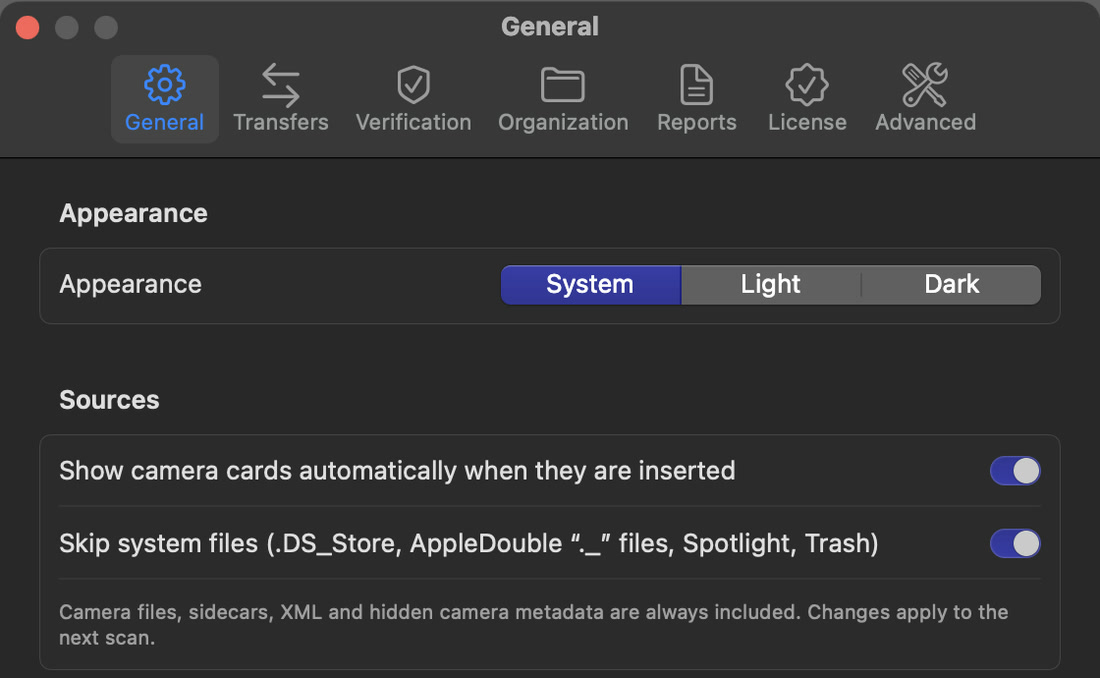
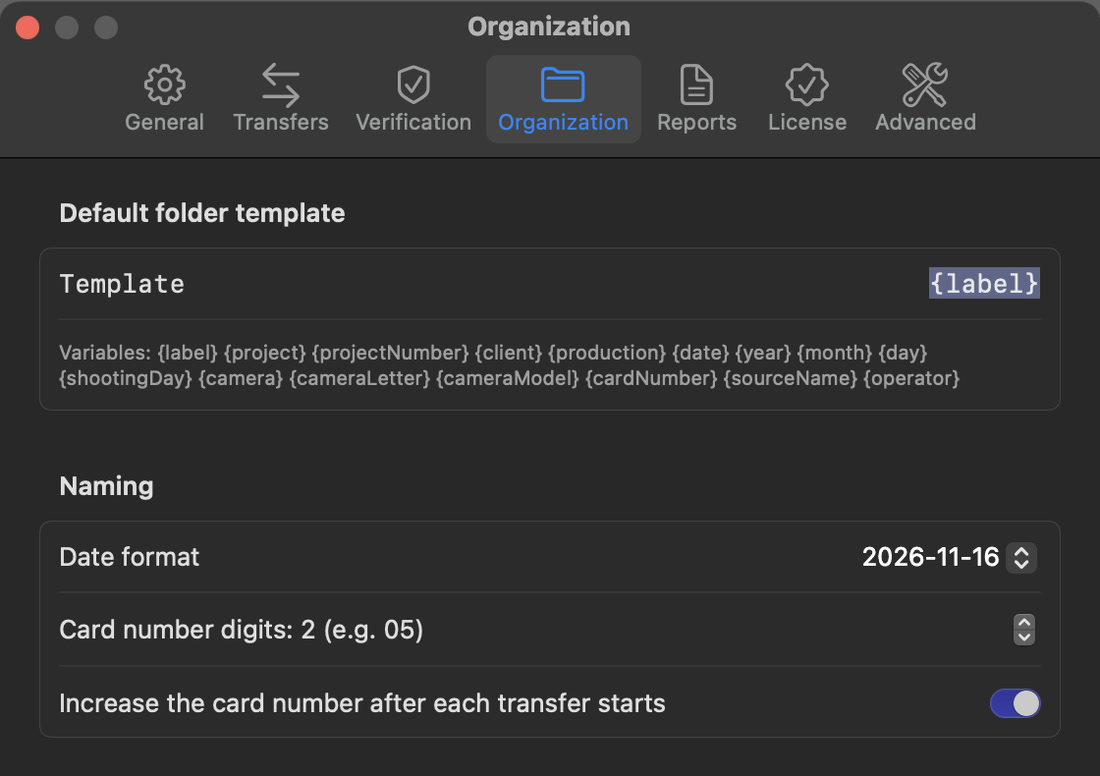
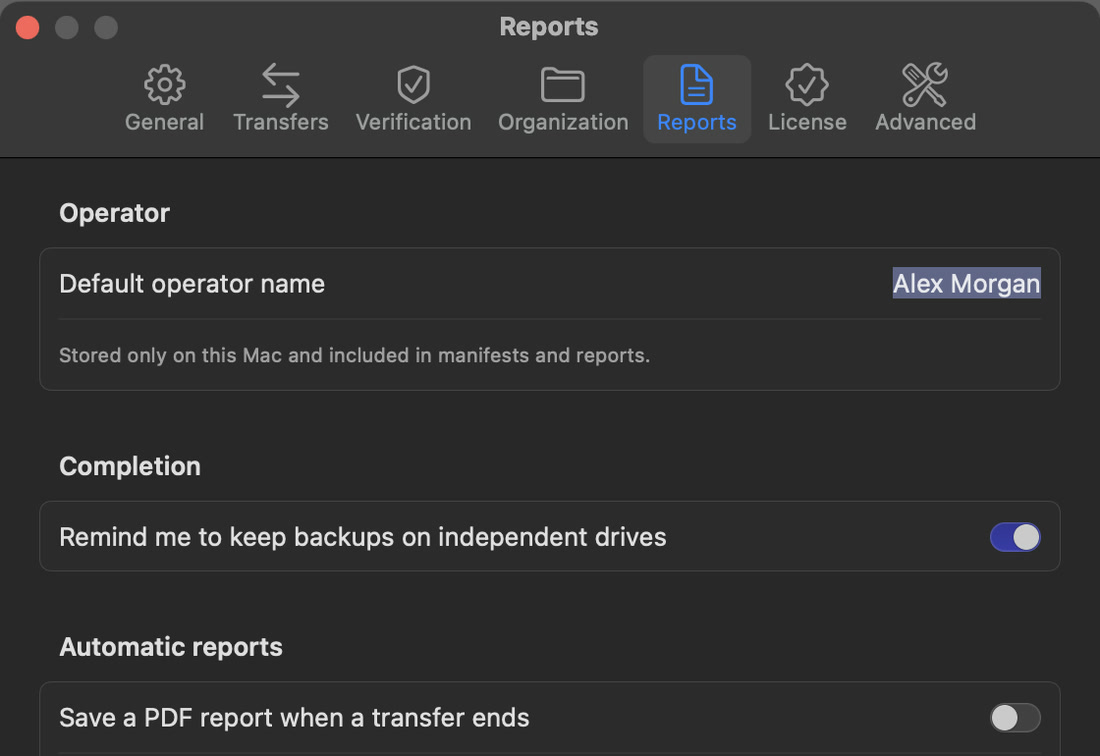
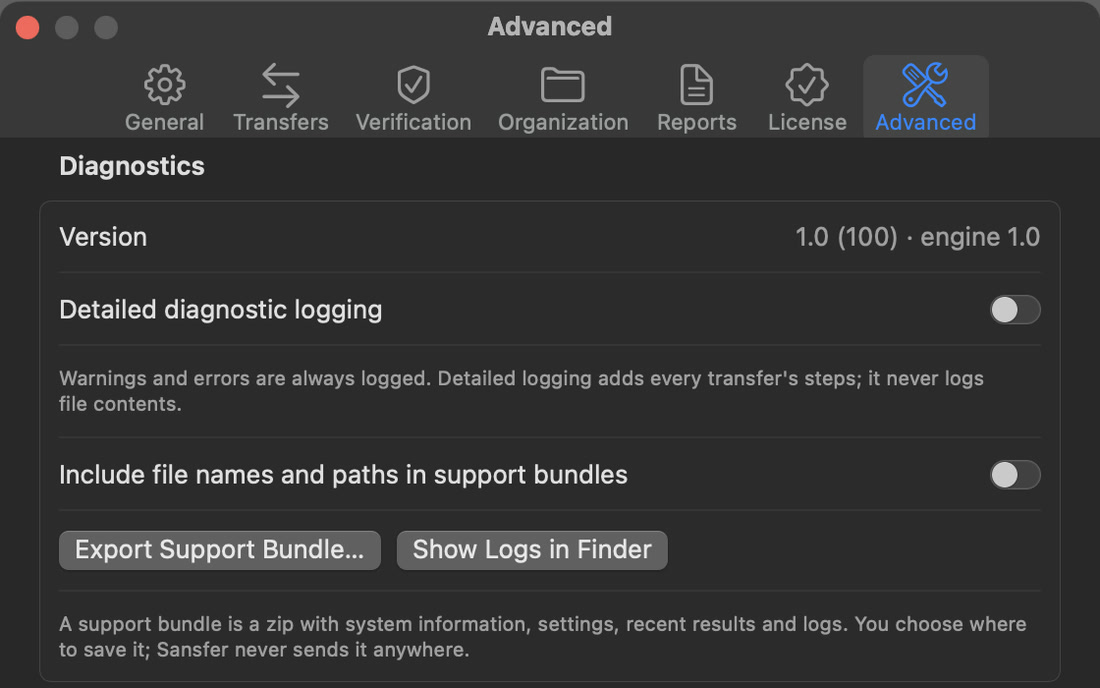
Open Settings with the gear in the bottom bar or with ⌘,. Seven tabs hold everything that is not part of a single transfer. The defaults are safe; most people change only a few.
Show camera cards automatically when they are inserted
Adds an inserted camera card to Cards by itself. On by default.
Skip system files
Leaves out .DS_Store, AppleDouble ._ files, Spotlight and Trash folders. Camera files, sidecars, XML and hidden camera metadata are always included. On by default.
Automatic card workflowsPRO
Lets presets prepare or start transfers when a matching card is inserted. Off by default. See Automatic card workflows.
When a camera card is detected; when a transfer starts and when all destinations are verified; when a transfer fails or a drive is disconnected; and a sound when a card is safe to erase (Play lets you hear it).
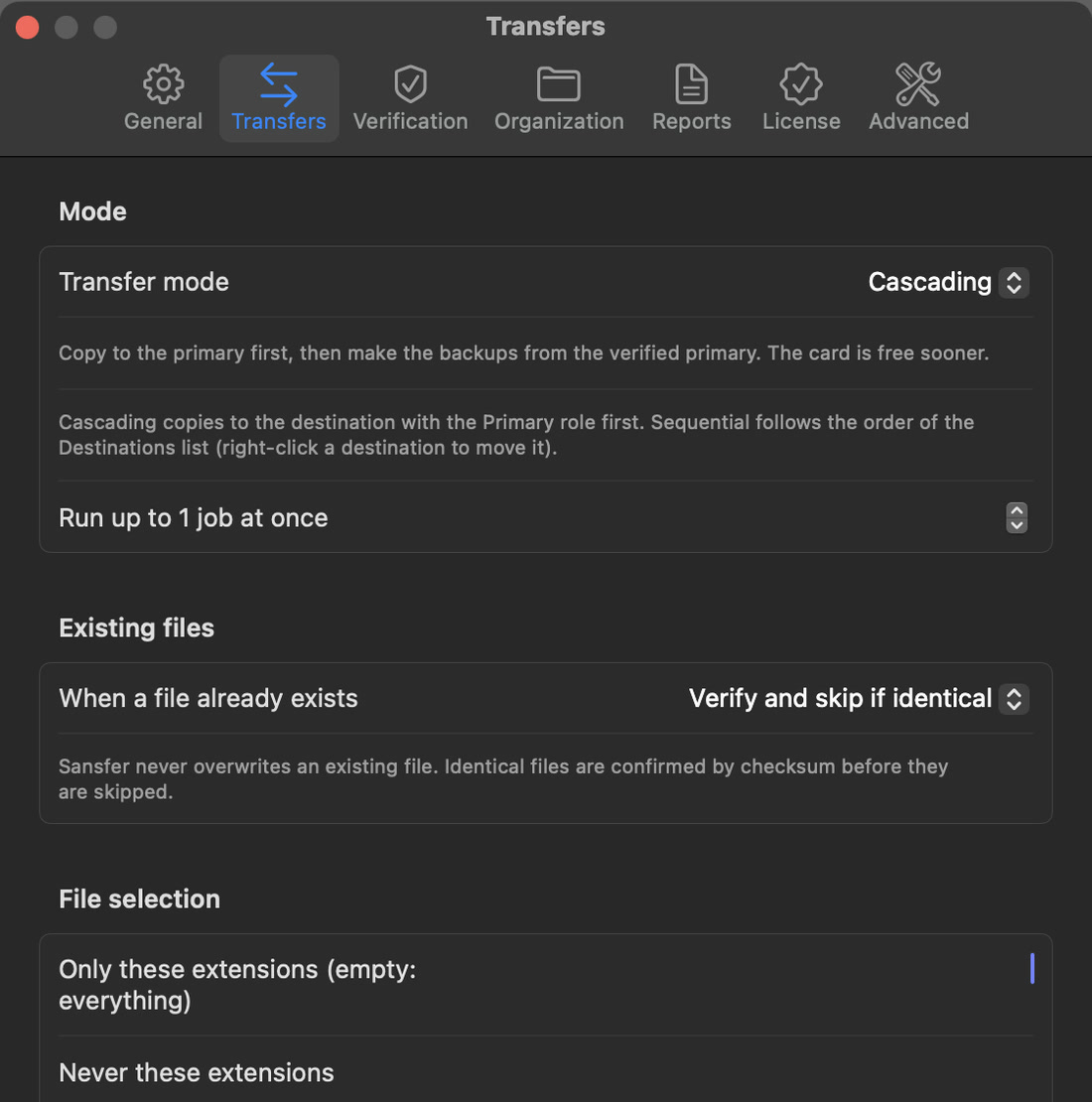
Parallel, Cascading PRO or Sequential. Cascading copies to the Primary drive first; Sequential follows the order of the Drives list.
Run up to … jobs at once
How many cards are copied at the same time, from 1 (the default) to 4. More at once only helps when the cards and drives are on separate connections.
When a file already exists
Verify and skip if identical, Rename the incoming file or Stop and ask. Sansfer never overwrites an existing file.
File selection
Only these extensions and Never these extensions, separated by commas, such as arw, jpg, xmp. Empty means the complete card. Applies from the next scan.
Buffers
The buffer size and the number of buffers in flight. Memory stays bounded whatever the file size: slow drives slow the reading down instead of filling memory. Leave these at their defaults unless support asks you to change them.
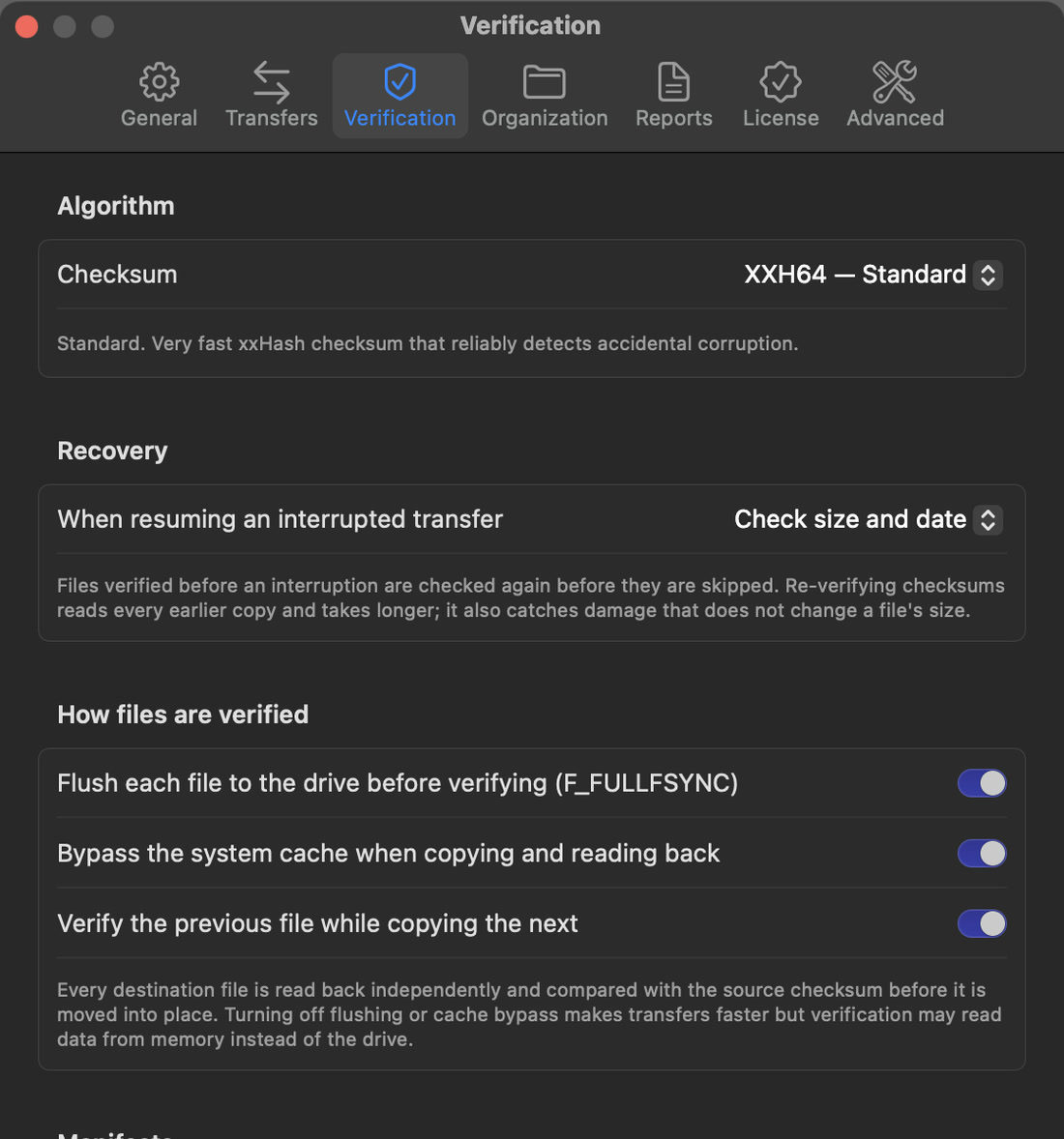
Check size and date (fast) or Re-verify checksums (reads every earlier copy again, and also catches damage that does not change a file's size).
Flush each file to the drive before verifying
Makes the drive commit each file to permanent storage, its own cache included, before it is read back. On by default.
Bypass the system cache
Copies and reads back without the Mac's cache, so verification reads from the drive and not from memory. On by default.
Verify the previous file while copying the next
Overlaps verifying and copying for speed. On by default.
Write a checksum manifest
The _Sansfer folder with JSON and checksum lists in every card folder. On by default.
Write an ASC MHL historyPRO
The ascmhl folder in every card folder. Requires XXH64.
Speed versus certaintyTurning off flushing or cache bypass makes transfers faster, but verification may then read data from memory instead of the drive. Keep both on unless you know why you are changing them.